Start from a design that already looks finished. Change the words, swap the pictures, press Publish. It all happens in your browser, with nothing to install and nothing to learn first.
- Click the headline and type
- Pick new colors
- Swap the photo
- Press Publish
Corner taqueria · open late
Masa ground in the kitchen. Salsas made every morning. Nothing sitting under a heat lamp.
On the menu
Come by
- Tue to Thu
- 5pm till late
- Fri and Sat
- Noon till late
- Sun
- Noon till 9pm
Bringing a crowd?
Tell us when and how many, and we will hold a table.
- Checking the page
- Putting it online
Ready to make it real?
Sign up with your email and this design opens in the editor with the name and colors you picked. Press Publish there and it's online for 99¢ a month.
Nothing here was published - this page is a demo.
A working sample of the editor, cut down to fit on this page. Nothing you do here is saved or sent anywhere.
Keep going
Everything else works the same way
Click the thing you want to change, then change it. Here is the rest of the editor, one small demo at a time.
Sections
Put things in the order you want
Your page is a stack of sections: a hero, a menu, a gallery, a contact form. Drag one to where it belongs, or nudge it with the arrows. The page rearranges as you go.
- Drag with a mouse, or use the arrow buttons
- Spacing and layout come with the design
- Lock a section so it never moves by mistake
Try itDrag a row by its handle, or use the arrows.
- Hero
- Menu
- Gallery
- Testimonials
- Contact
Five sections, in the order your visitors will see them.
Fonts and colors
A new look is one click, not a redesign
Every design comes with font pairings that already go together. Pick one and every heading and paragraph changes at once. Set your colors the same way, and your brand kit carries them across every page.
- Pairings chosen to read well, not to show off
- Your colors and type in one place
- Change your mind as often as you like
Try itPick a pairing, then a color.
Little Fern Coffee
Good coffee. No rush.
Beans roasted down the road, pastries from the bakery next door, and a window seat with your name on it.
See what's onPhone preview
Looks right on a phone. See for yourself.
A lot of your visitors will be on a phone. Every design is already built for small screens, and one click shows you the page at phone, tablet or computer size before you publish.
- Menus fold away, photos and buttons resize
- No second version of the site to keep up to date
- Check it at every size before it goes live
Tidy lawns, on a day you can count on.
Mowing, hedges and borders, done by the same two people every visit. Tell us about your garden and get a quote back the same week.
Undo and history
Go on, break it
Every change can be undone, one step at a time. Every version is kept, so a change you regret is one click back, not a rebuild. Nothing you try in the editor is ever a point of no return.
- Undo and redo, as many steps as you need
- Every version kept and restorable
- Try an idea without the worry
Try itMake a mess with the red buttons, then press Undo.
Fresh bread, every morning
Sourdough, rye and a very good croissant. Out of the oven before you are out of bed.
History
Everything is fine. For now.
How it goes
From template to live, in three steps
A blank page is the reason most websites never get finished. So you never get one.
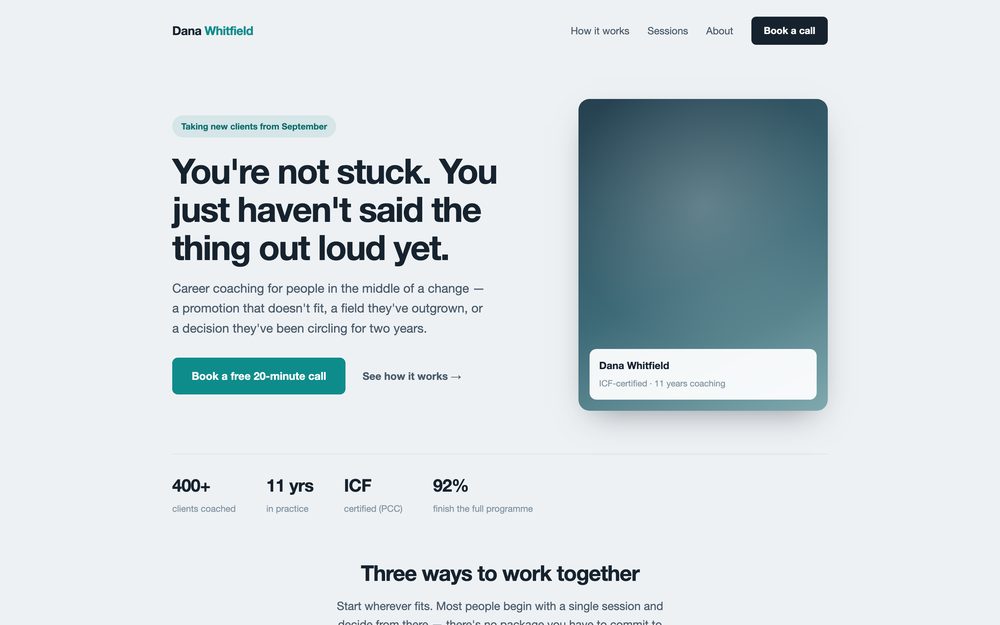
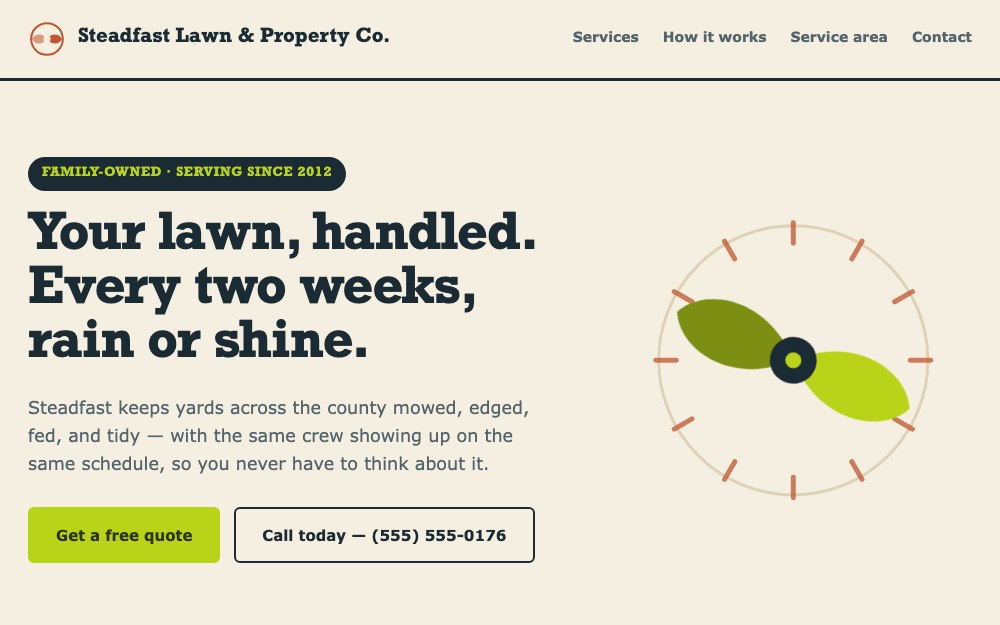
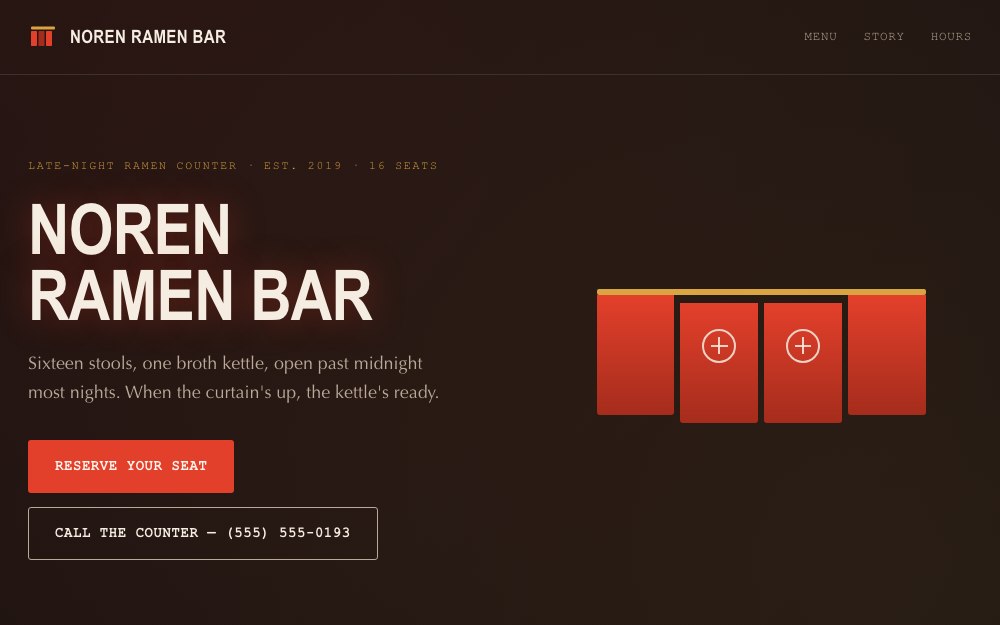
Pick a design
Start from a page that is already laid out, already spaced properly and already readable on a phone.
Make it yours
Click a heading and type over it. Click a photo and swap it. What you edit is the page itself.
Press Publish
Your site goes live at its own address, ready to share. Pick a design today and it can be live today.
When you need more
The parts that usually cost extra, or a second account
Add them to the site you already have. One switch, one block on the page, no second account and nothing to paste.
Contact forms
Messages arrive in an inbox you can read, not a spreadsheet you have to wire up.
More about formsBookings
Someone asks for a time instead of emailing you to ask what is free, and you confirm it.
More about bookingsA shop
For when there is something to sell, paid straight into your own account.
More about the shopGood to know
Built for the way small businesses actually work
A landing page should not cost like a subscription
Every site is 99¢ a month. Ten of them is about ten dollars. A page per campaign, a page per pitch, a page for the idea you want to test on Thursday.
Skip the editor entirely
Drag the folder in, connect a repository so every push republishes, run one command, or let an assistant publish for you. See every way to publish.
Your words and photos are yours
Everything you write and every photo you upload belongs to you. Prefer to build it yourself? Upload your own files and you can download them whenever you like.
Templates
Pick the one that already looks like you
Every design opens in the editor, ready for your words. Hover one to see the whole page.
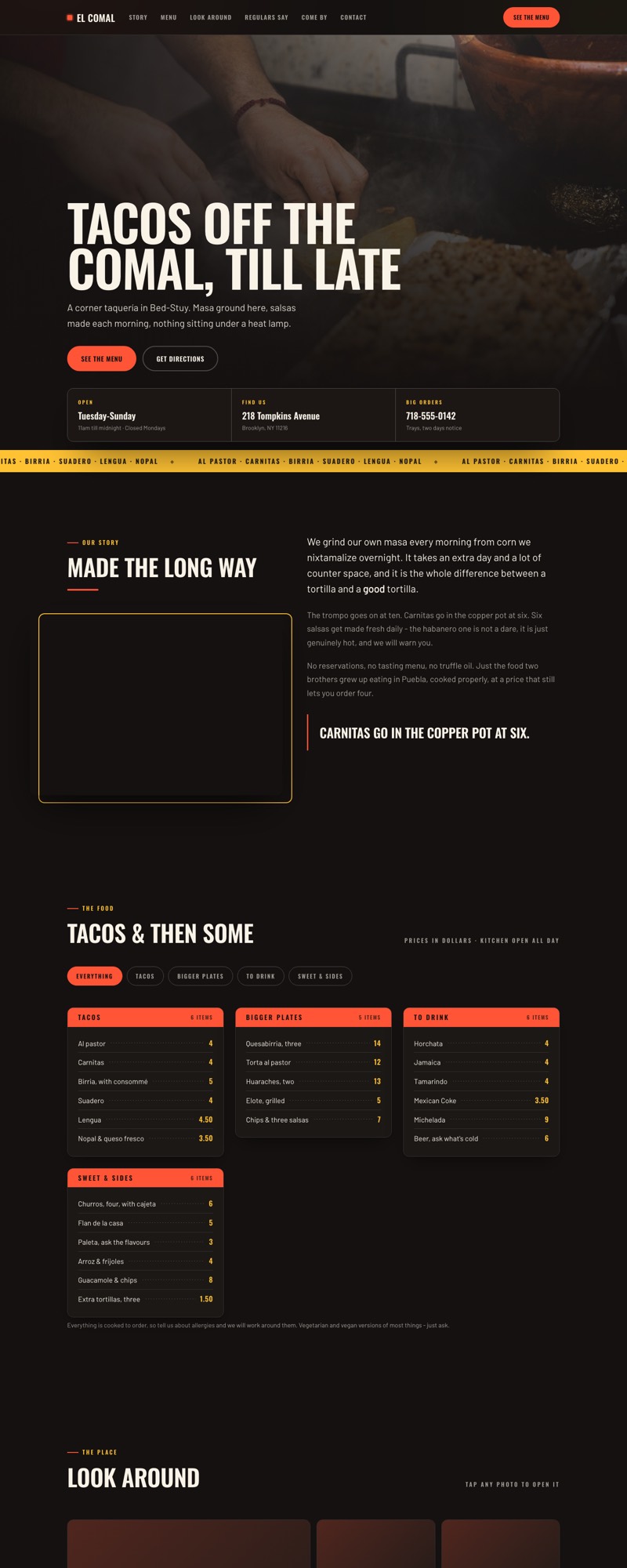
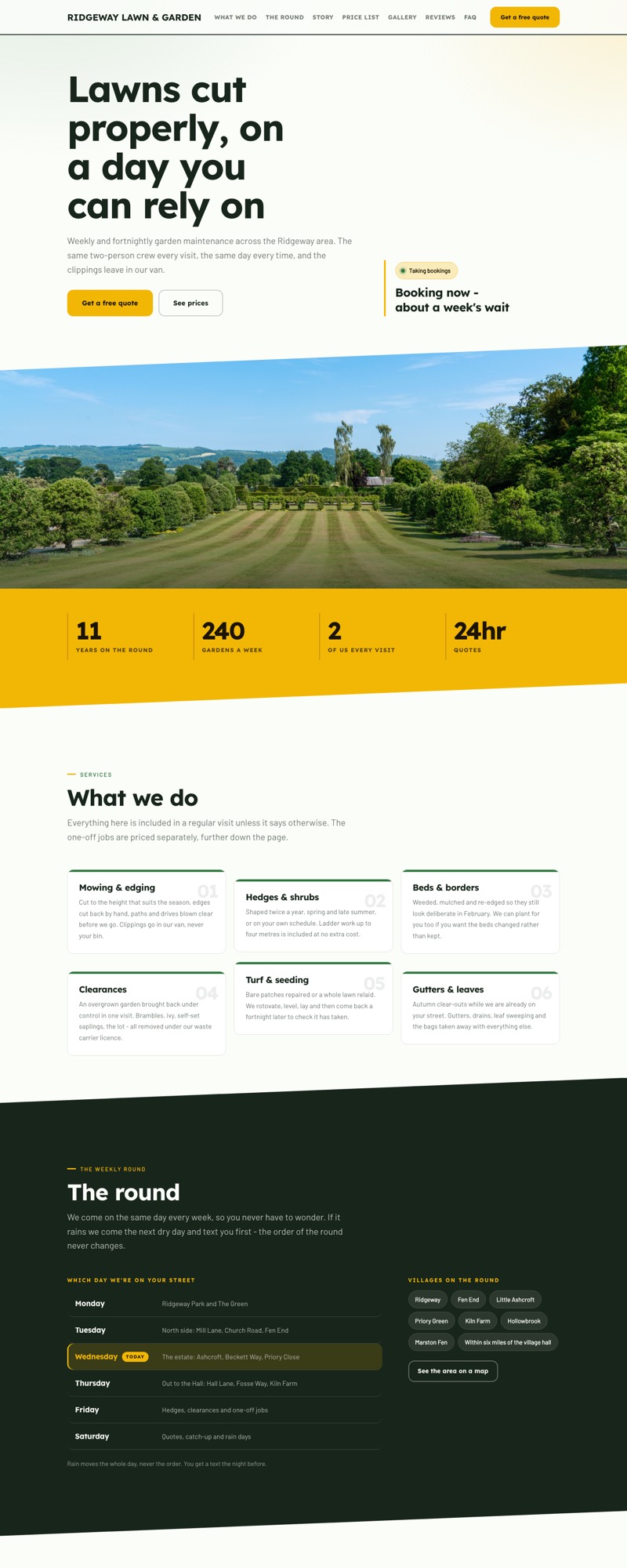
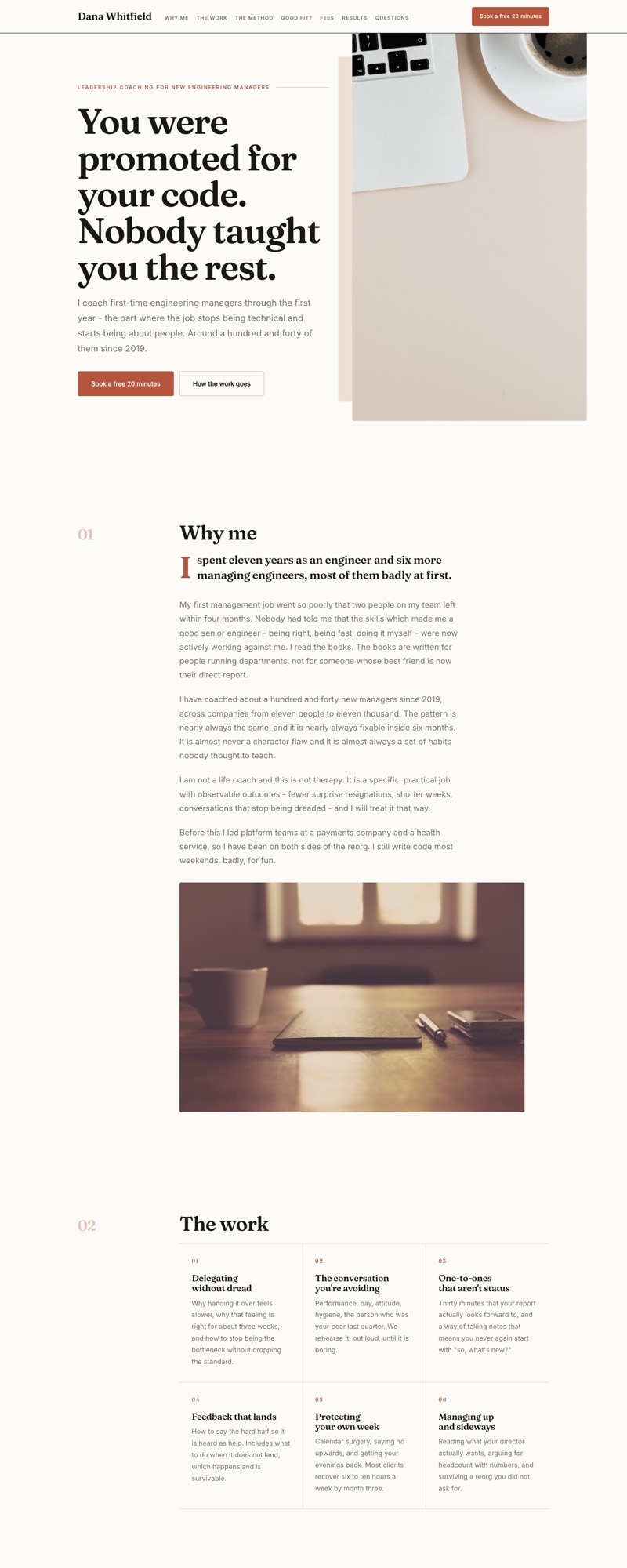
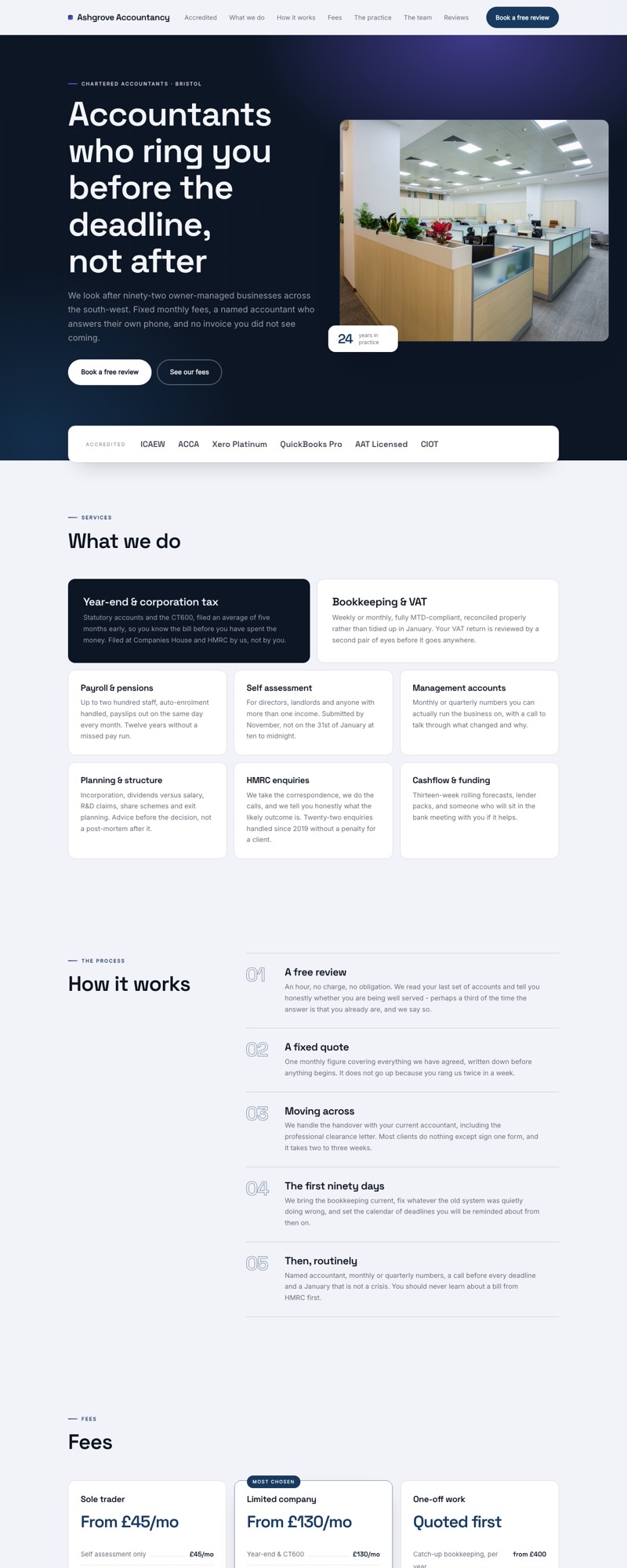
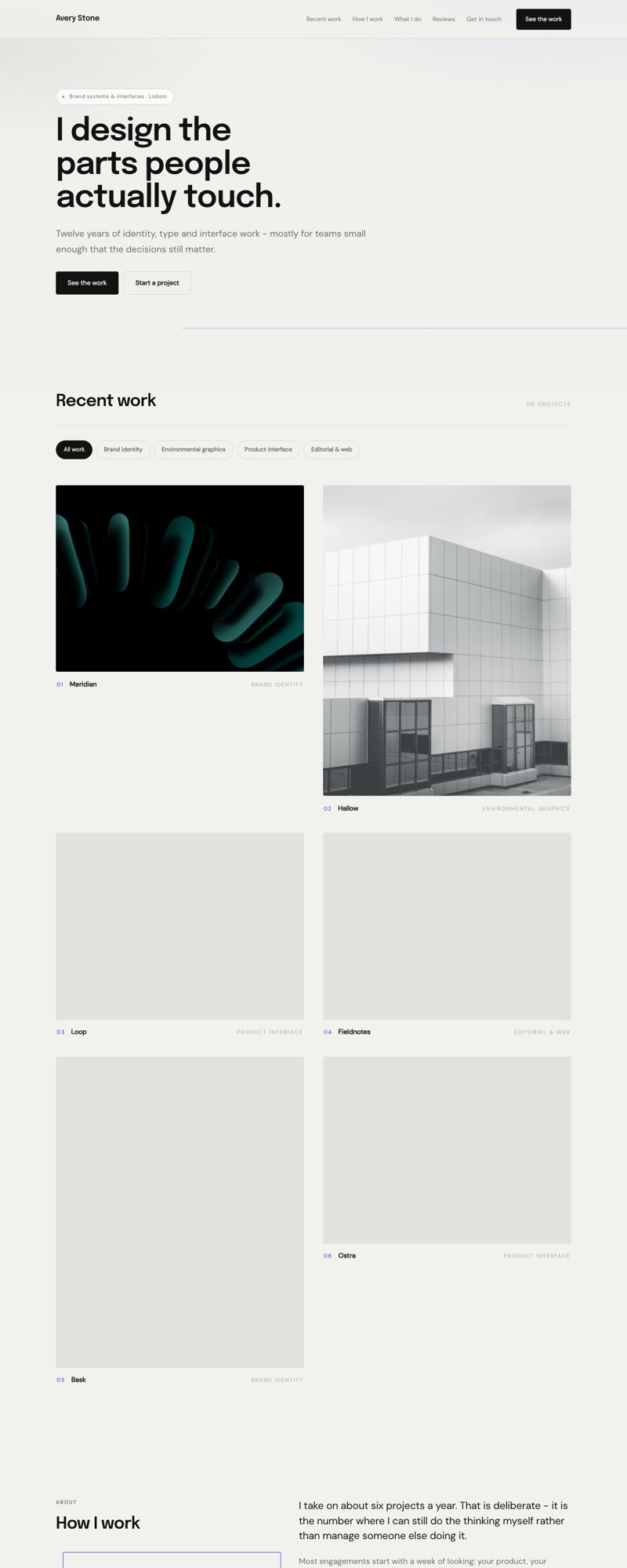
Pick a design, and it can be live today
The editor is open now. Sign in to start, or look through the designs first.