Keep the domain. Change the hosting.
Your domain stays exactly where it is. Point it at a finished site you edit in your browser, with the padlock, daily backups and apps already in place.
- 99¢ a month per site, billed yearly
- 30-day money back
- Cancel anytime
Four steps, and we walk you through each one
These are the real screens of our connect guide. It recognises Namecheap and other popular registrars and tells you exactly what to change.
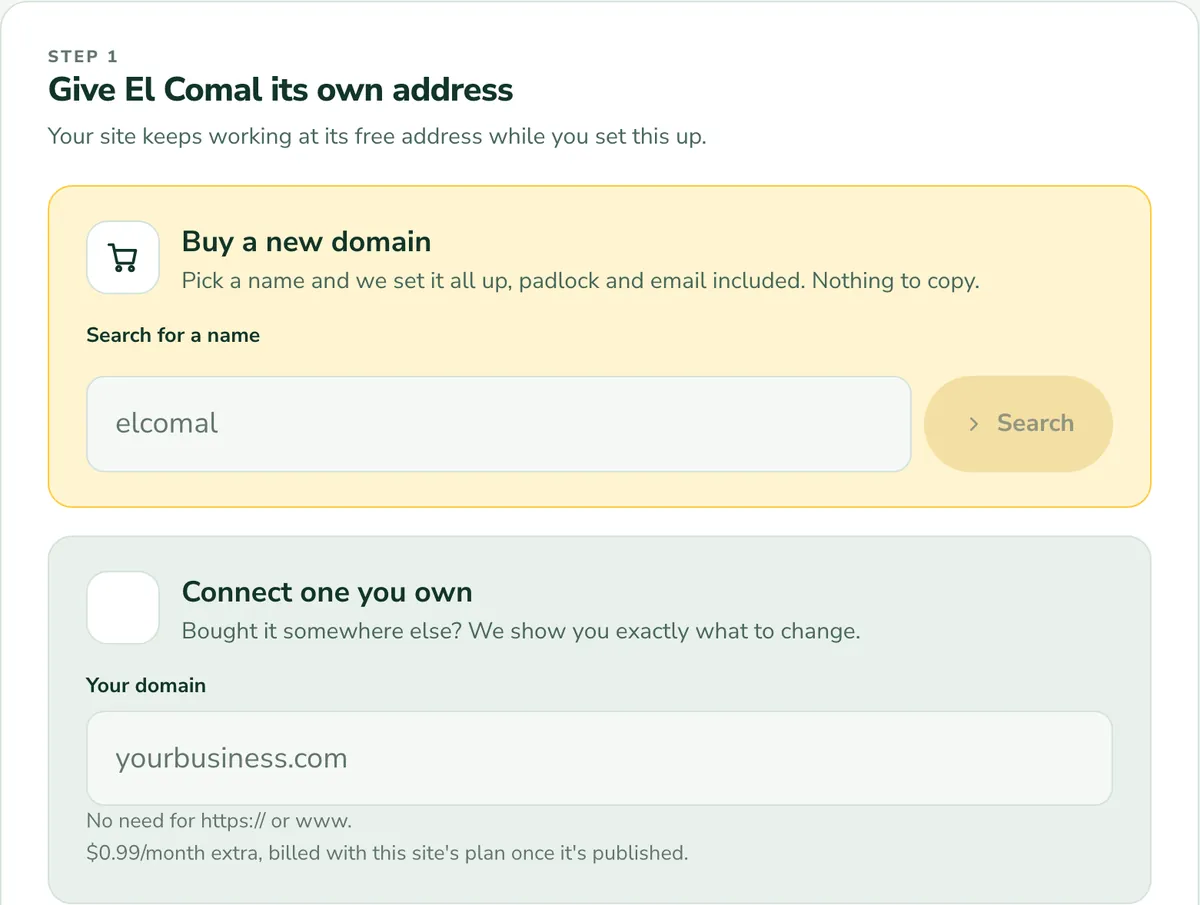
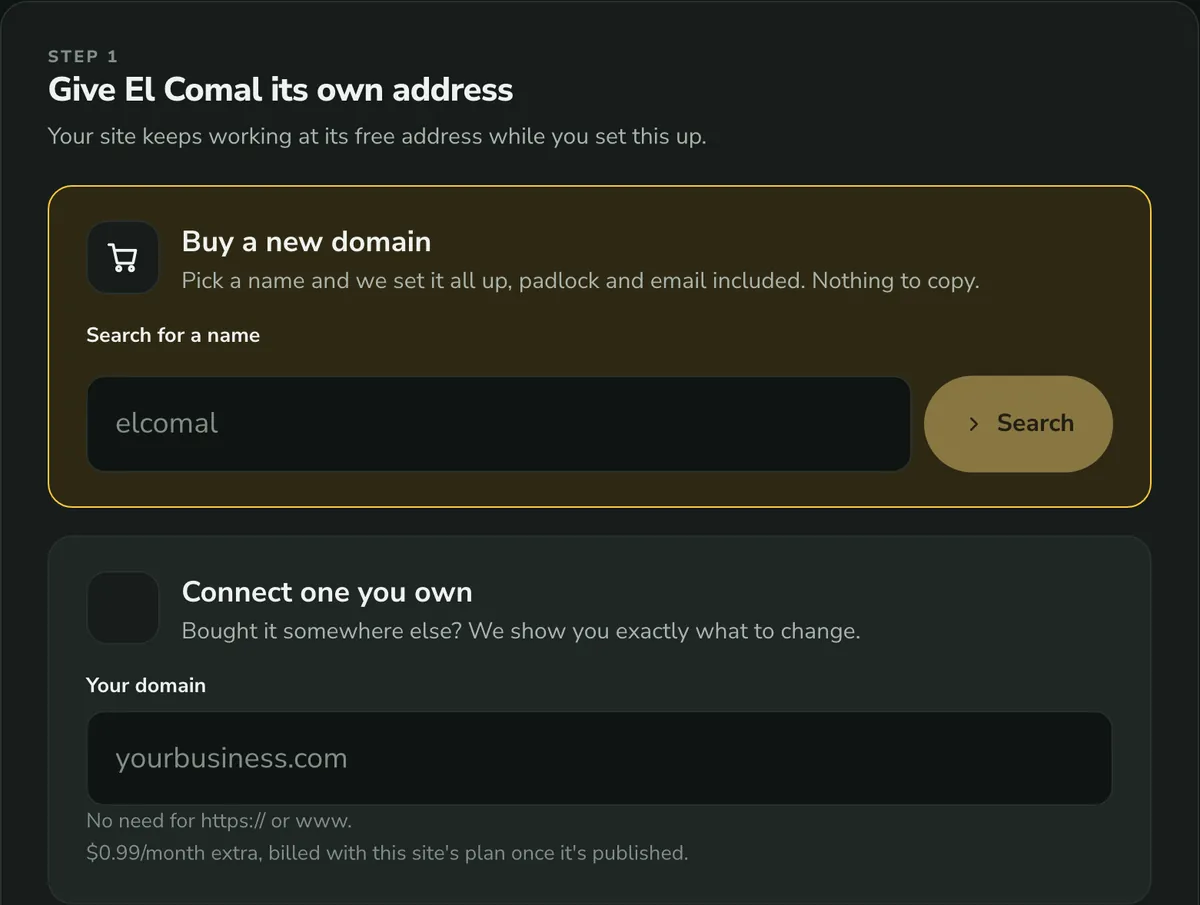
Type your domain
Your site keeps working on its free address while you set this up.
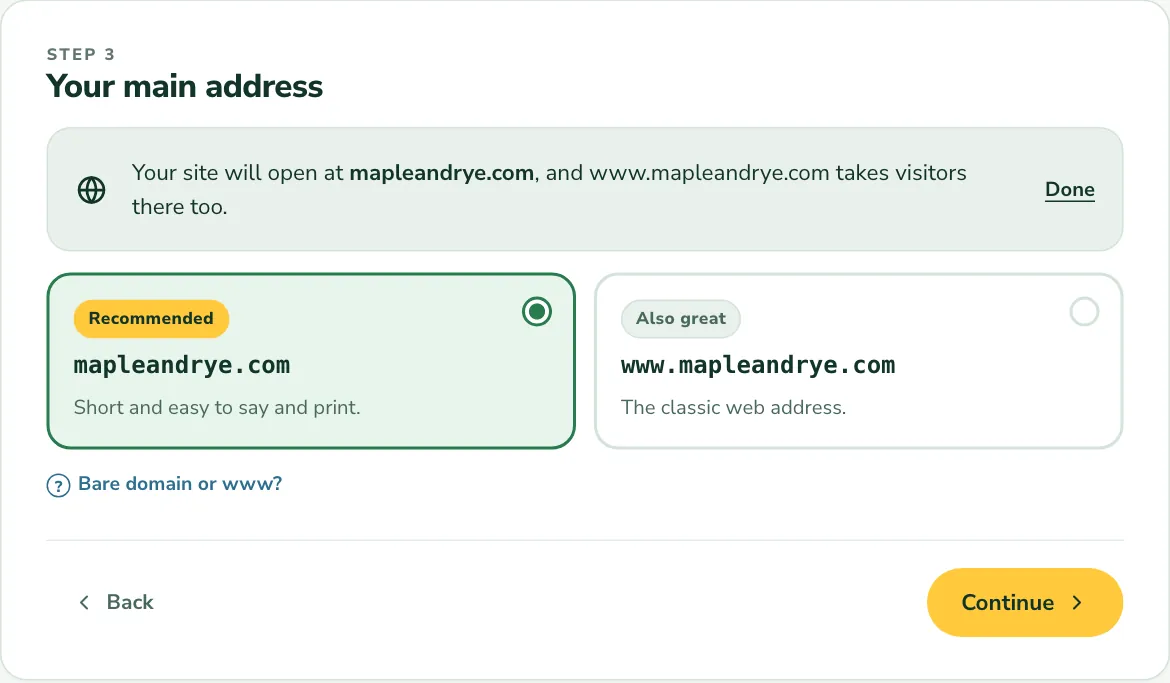
Pick your main address
With or without www. Both work, and the other one forwards to it.
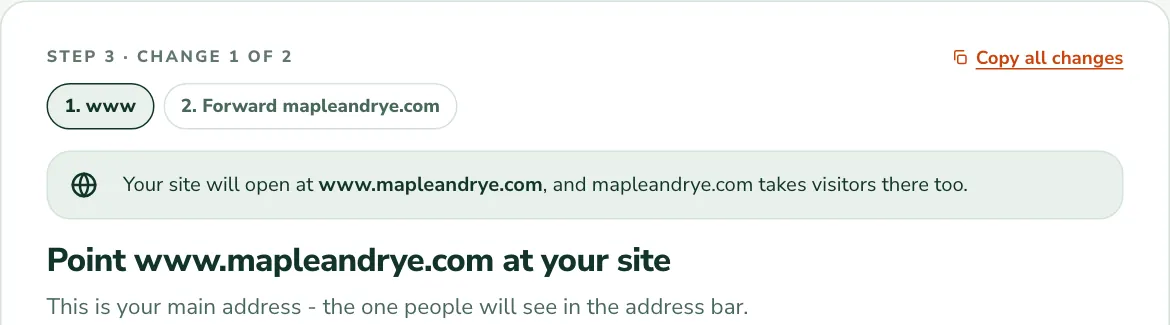
Make the change
The guide names the menus to open and the records to add, ready to copy.
Go live
A live check confirms the change and switches on the padlock for you.
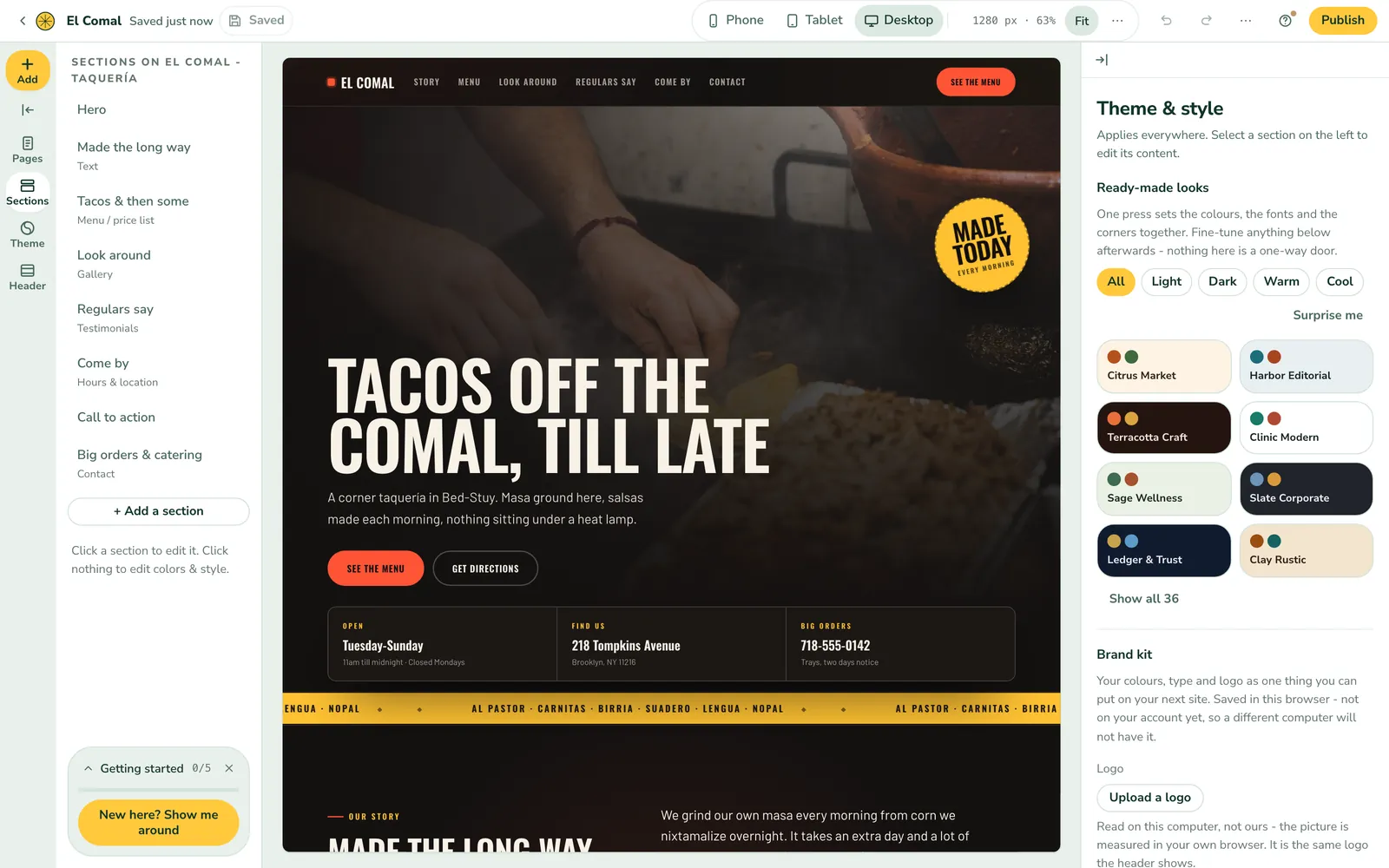
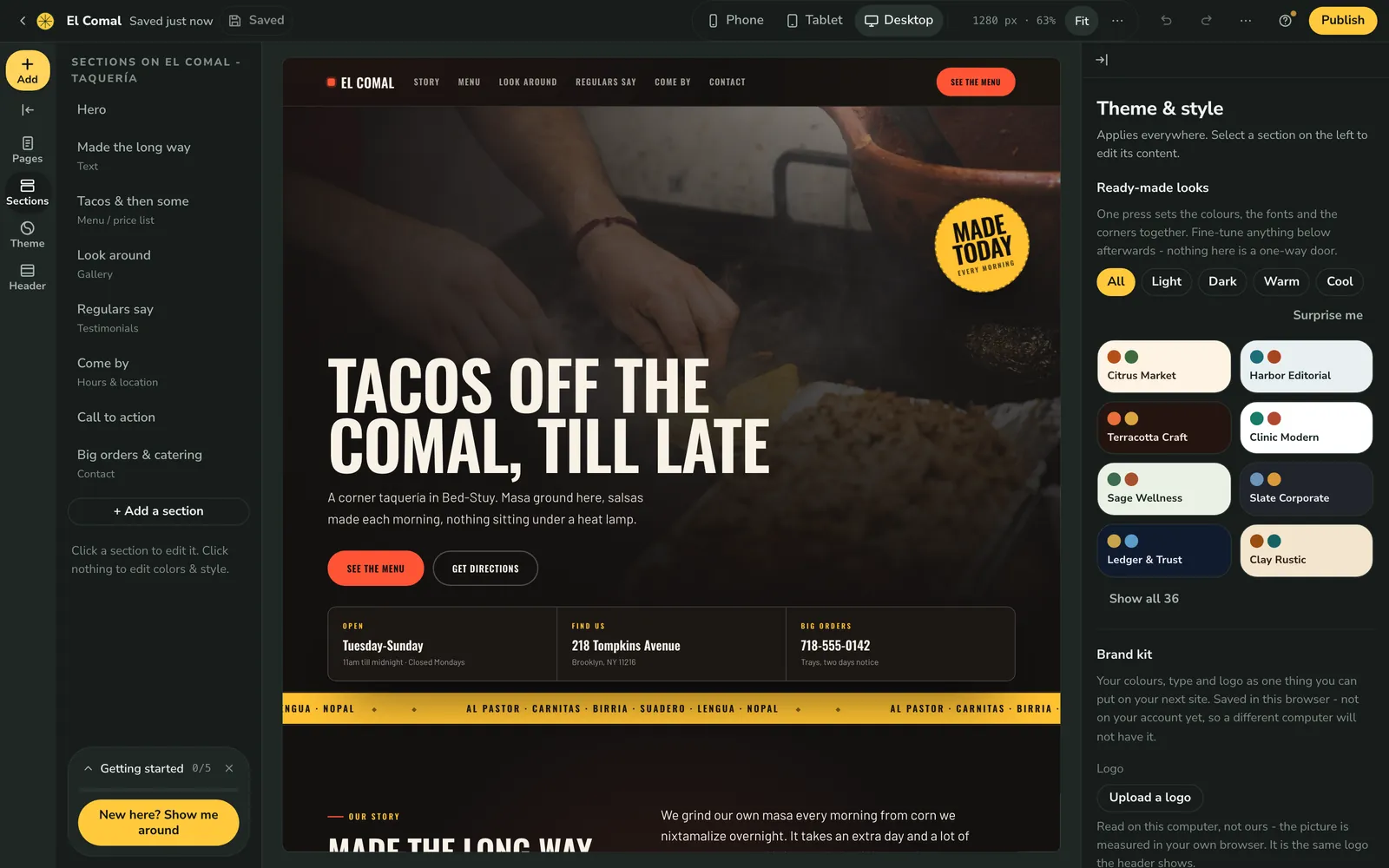
A finished site, not a control panel
Pick a design, click to change the words and pictures, and publish. No hosting panel, no WordPress to keep updated, no plugins to patch.
Your next domain can live here too
When you start your next project, get the domain with the site.
Registered in your name, padlock on
Search, pick and publish. The domain is set up with your site, on one bill.
Put it on your cards and your site. Need more addresses? Add Forwarding Plus anytime.
A year of one site on your own domain
Year one on each side, with the domain already registered. Namecheap's shared hosting is cheapest when you prepay a longer term; this uses its one-year term.
Lemonade Host
$23.76for the year
One site on your own domain, billed once for the year.
- Site, billed yearly (99¢ a month)
- $11.88
- Connect your own domain (99¢ a month)
- $11.88
Namecheap Stellar
$27.36for the year
$2.28 a month on a one-year term.
- Stellar, one-year term
- $27.36
- Billed monthly instead
- $5.88 a month
Namecheap prices are first-term prices shown on its own pages; other terms are priced differently. Our connect fee assumes you already own a domain. Prices change, so check Namecheap's own pricing page before you decide. Ours are on our pricing page.
Before you point the domain
Short answers about connecting.
Do I have to move my domain?
No. It stays at Namecheap. You add the records our guide shows you, and your site goes live on your domain with the padlock on.
How long does it take?
Often within minutes, sometimes a little longer. Our guide checks for you and tells you the moment your domain is live.
What about email at my domain?
If your email is set up at Namecheap, it keeps working. Domains bought here come with free email at your domain, forwarded to the inbox you already use.
Point your domain at a finished site
Keep the domain where it is. Publish the site here today.